

LINE Official Account Clinic Booking Without Losing Conversations
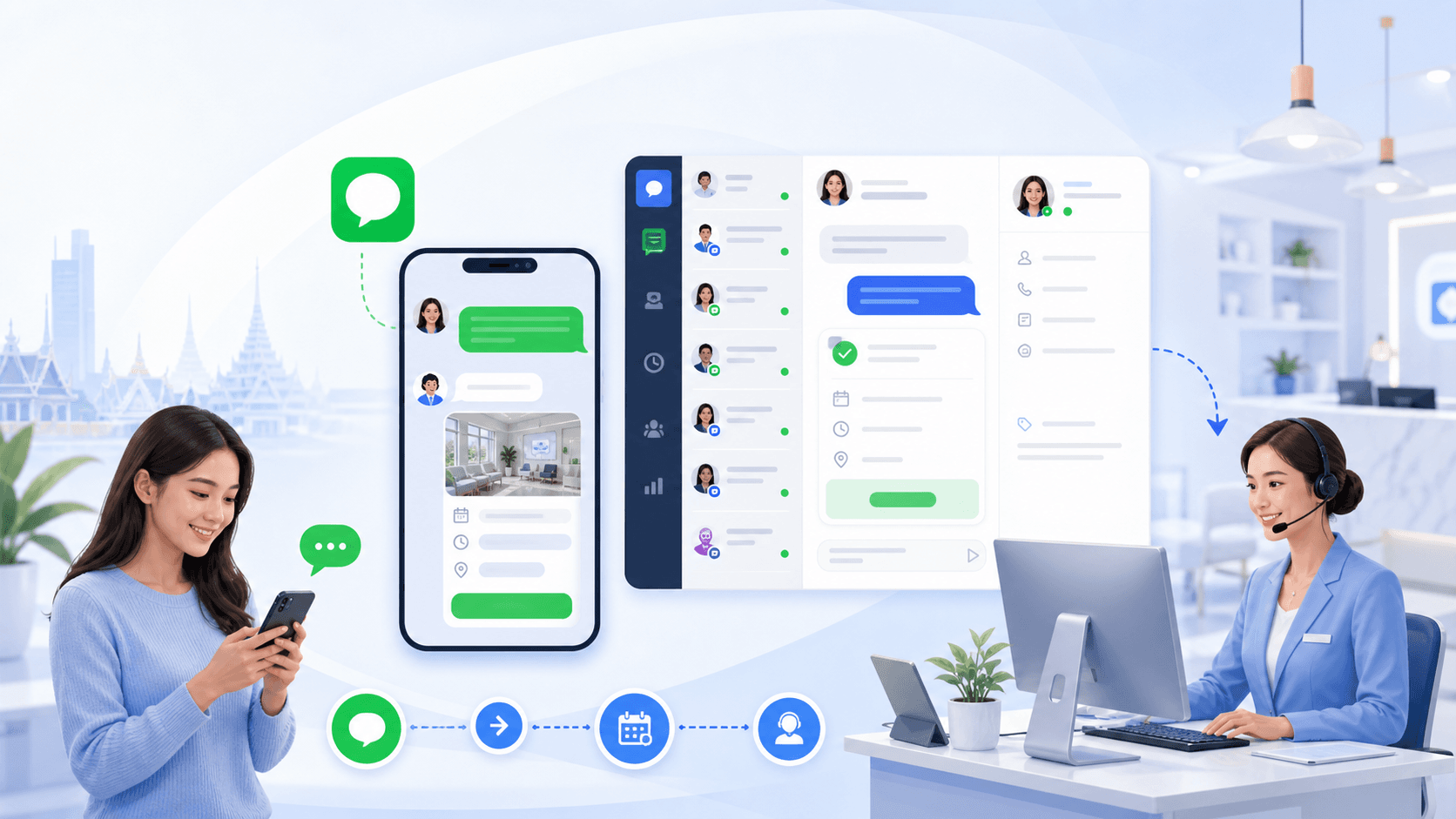
LINE Official Account is one of the most important patient communication channels in Thailand. But a channel is not the same as an operating system.
Without shared inbox discipline and ownership rules, clinics can still lose conversations even when response volume appears high.
What Breaks First
LINE OA usually fails at ownership, not at message volume
Most gaps appear when multiple staff members reply without one status model. Some chats are active, others are waiting, and no one has a reliable view of what needs follow-up.
- No single owner for each enquiry
- No shared conversation context across connected channels
- No structured handoff workflows when escalation is needed
- No booking-stage visibility for managers
Operating Pattern
Treat LINE OA as part of one clinic enquiry workflow
Clinics get better outcomes when LINE OA is handled in the same operating model as website chat, Messenger, and Instagram. The same standards in how it works should apply regardless of channel.
That includes clear statuses, owner assignment, follow-up tracking/queues where configured, and a clean path that helps move enquiries toward confirmed bookings.
Where Sookly Supports
Designed to support LINE OA workflows inside a shared team system
Geo Intent and LINE
Search results, maps, and chat should hand off without friction
For many Thai patients, a clinic discovery journey starts on Google Search or Google Maps and ends in LINE. That means the conversion path is really two steps: earn the click, then keep the conversation moving once the patient arrives in chat.
A strong LINE OA setup should sit beside a clear booking page, a visible location page, and a fast first reply. If the patient has to ask the same question twice after coming from search, the SEO work has done its job but the operation has not. Keep the thread linked to the service, the branch, and the next action so staff can continue the conversation without restarting it.
The most useful internal references here are what a high-converting clinic booking page must include, the LINE OA CRM guide, and the main solutions overview, which together show how search traffic becomes a booking-ready conversation.
Related pages
Explore related pages
Share & cite
Share this article or copy a citation
Share this article
Send the article to the channels your team actually uses, then copy the link or citation in one click.
Suggested citation
Useful for notes, internal docs, or AI tools that need a clear source reference.
LINE Official Account Clinic Booking Without Losing Conversations - LINE OA can generate strong enquiry volume, but volume alone does not create bookings. The key is workflow ownership, follow-up visibility, and context-preserving handoff.
LINE Official Account Clinic Booking Without Losing Conversations. Sookly Insights. https://www.sookly.co/en/insights/line-official-account-clinic-booking-channel
Need a cleaner LINE OA workflow for your clinic team?
Join the waitlist to see how Sookly can support ownership, follow-up, and structured handoff from first LINE message to booking-ready context.