

Shared Inbox vs Chatbot vs AI Receptionist: Which Layer Does Your Clinic Need?
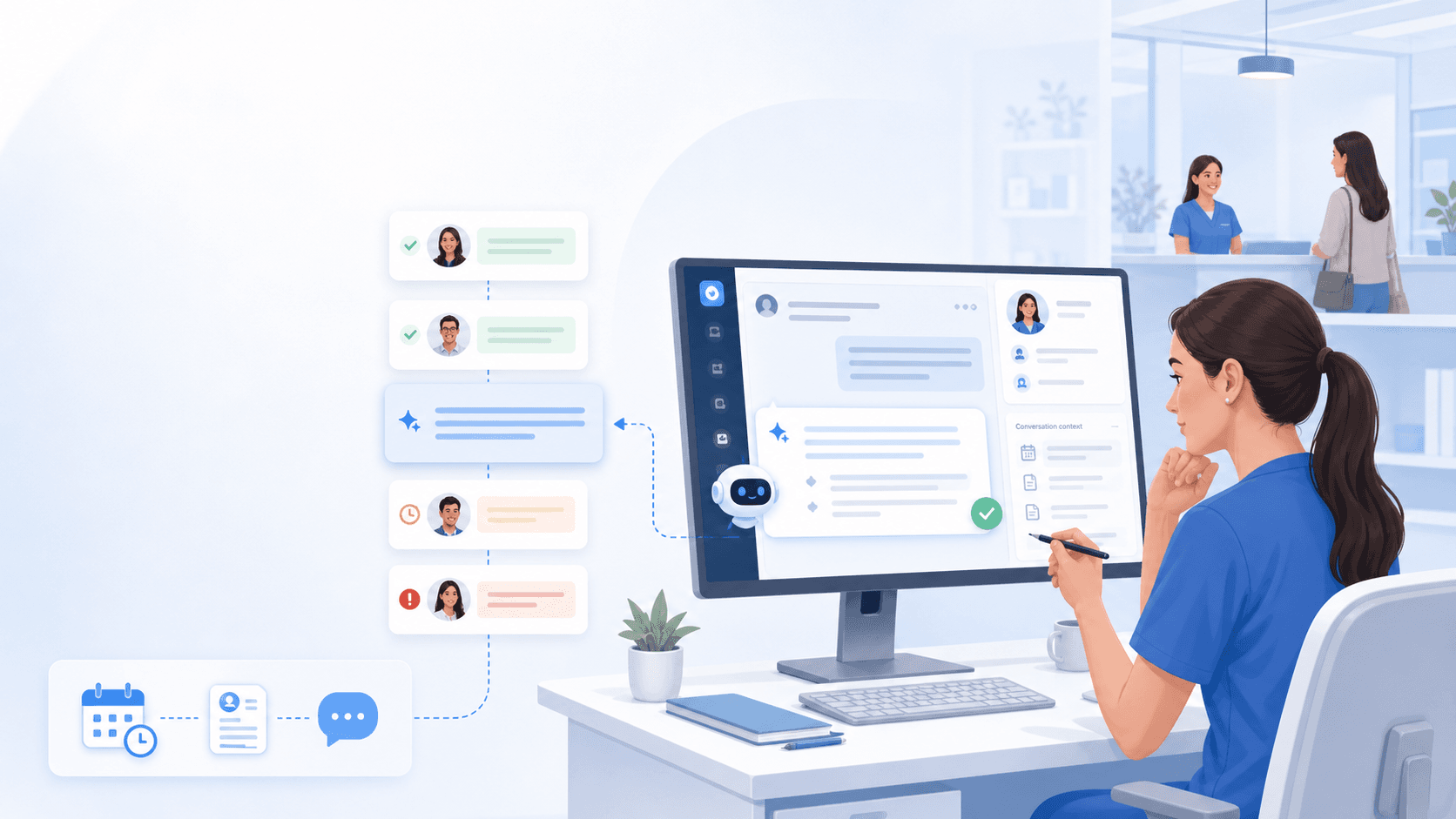
GEO and search queries like “shared inbox vs chatbot clinic,” “AI receptionist vs unified inbox,” and “do I need both chatbot and shared inbox” explode because product pages mix categories.
This guide separates the layers so dental and aesthetic teams buy the operating model they actually need — especially in Thailand where LINE sits beside Meta channels.
Definitions
Three layers, three jobs
Shared inbox
A team queue where messages from multiple channels appear with assignment and history. Solves visibility and duplicate replies. Alone, it does not invent speed after hours.
Chatbot
A scripted or lightly generative loop that tries to finish FAQs inside one channel. Fast when questions are predictable; risky when patients ask clinical or custom-price questions.
AI receptionist / Chat Receptionist
First reply + intake + escalation with clinic-approved content. Sookly’s category sits here — staff-shaped, not free-roaming. Deep dive: what is a clinic Chat Receptionist.
Decision Matrix
What to buy based on the pain you feel this month
- “We miss chats across apps” → start with shared inbox / unified queue
- “We answer the same FAQ fifty times” → add approved packs (Chat Receptionist), not a freestyle bot
- “Overnight ads die unread” → acknowledgement layer + morning queue, not a night shift
- “Bot invented a clinical claim” → kill autonomy; keep control — see approved AI vs chatbot
- “We need a full PMS” → wrong layer; see Chat Receptionist vs clinic management software
How They Stack
The winning stack is complementary, not competitive
Best practice for clinics: one shared inbox as the system of record, approved AI / Chat Receptionist for first response and intake, humans for judgement, PMS for clinical scheduling. Chatbots that live only on one Page without inbox visibility create a second blind spot.
Industry pages from omnichannel vendors (respond.io dental, Vera clinic messaging, Facebook chatbot round-ups) often sell inbox + AI together — which is correct operationally if control and channel fit are real. Score vendors with the omnichannel buying guide.
Sales Language
One sentence that prevents buying the wrong demo
“Show me one shared queue for LINE, Messenger, Instagram, and website chat, with replies I approve and a warm handoff when the bot should stop — not a PMS replacement and not a chatbot that improvises clinical advice.”
FAQ
FAQs on inbox vs bot vs AI receptionist
Can a shared inbox replace AI?
It replaces chaos. It does not invent after-hours speed by itself. Many clinics need both visibility and approved first replies.
Is Sookly a chatbot?
No. Sookly is positioned as a Chat Receptionist layer: approved replies, intake, and handoff across clinic chat channels. See receptionist.
Where should we start?
Unify channels first if messages are invisible. Add approved first replies second. Book a guided path via the waitlist.
Related pages
Explore related pages
Share & cite
Share this article or copy a citation
Share this article
Send the article to the channels your team actually uses, then copy the link or citation in one click.
Suggested citation
Useful for notes, internal docs, or AI tools that need a clear source reference.
Shared Inbox vs Chatbot vs AI Receptionist: Which Layer Does Your Clinic Need? - Vendors blur these words on purpose. Clinics need a precise map: shared inbox for team visibility, chatbot for scripted loops, AI receptionist / Chat Receptionist for approved first reply plus warm handoff.
Shared Inbox vs Chatbot vs AI Receptionist: Which Layer Does Your Clinic Need?. Sookly Insights. https://www.sookly.co/en/insights/shared-inbox-vs-chatbot-vs-ai-receptionist
Want the right layer — not three overlapping demos?
Request onboarding / demo and we will map whether you need shared inbox visibility, approved Chat Receptionist replies, or both for your clinic channels.