

Event Ticketing WhatsApp Support Playbook
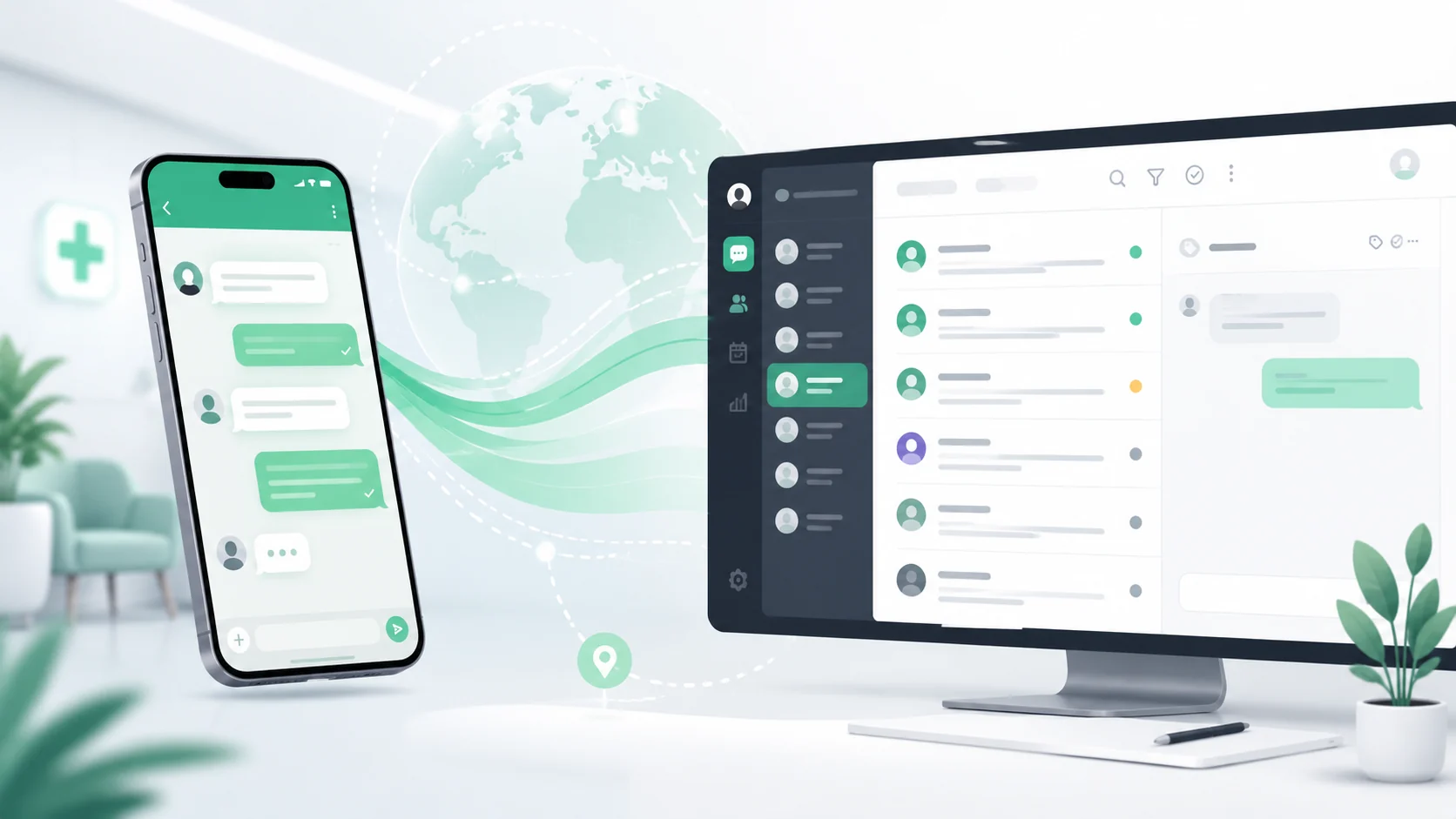
Searches like “concert ticket WhatsApp support,” “ตั๋วคอนเสิร์ต LINE สอบถาม,” and “event ticketing chat SLA” spike on show day — not during marketing calm. Buyers ask about QR delivery, name changes, refund policy, and wheelchair access; when support lives on personal LINE, order IDs never match the ticketing platform and gate staff cannot verify holds.
Booking follow-up parallel: restaurant reservation chat SLA playbook. Logistics sibling: logistics courier chat SLA playbook.
Intake
Tags every event ticketing support thread needs
- Order ID or booking reference — verified before any account action
- Event name, date, and venue gate — route to show-day queue when within 24h
- Issue type: QR not received, transfer request, refund, accessibility, seating
- Tier SLA: pre-event enquiry vs show-day urgent — separate dashboards
- Platform source: official app, reseller, promoter bundle — affects refund policy
Scripts
WhatsApp support language for ticket holders
- Request order ID first — no ticket lookup from name alone on show day
- Resend QR or portal link from approved template — no screenshot of others’ tickets
- Transfer requests: tag policy tier, collect recipient details, confirm platform rules
- Refund path: stop-rule to finance tag — never promise cash back in chat
- Accessibility: escalate to venue ops with seat map reference when tagged
Channel Stack
WhatsApp, LINE, and ticketing platform sync
Ticketing platforms (Eventpop, Ticketmelon, global stacks) own order truth — WhatsApp and LINE are where anxious buyers message anyway. respond.io, Zendesk, and commerce shared inboxes unify overflow support with order-ID tags. Fair comparison: marketplace seller chat SLAs cover post-purchase disputes; event ticketing adds time-critical gate-entry windows.
Stop-Rules
What event ticketing chat must never freestyle
- Never confirm refund approval or amount without finance/platform tag
- Never transfer tickets outside platform policy — fraud and scalper risk
- Never share another buyer’s QR or seating details
- Never promise entry without verified order ID on show day
FAQ
FAQs on event ticketing WhatsApp support
Why do ticket buyers use WhatsApp instead of the app?
Show-day anxiety drives channel switching — aggregate WhatsApp and LINE with order-ID lookup so agents see platform status without tab-hopping. Measure first-resolution rate separately for show-day vs pre-event threads.
How does Sookly help?
Sookly maps event ticketing overflow into a tagged support queue with transfer/refund stop-rules and show-day SLA dashboards. Join the waitlist.
Related pages
Explore related pages
Share & cite
Share this article or copy a citation
Share this article
Send the article to the channels your team actually uses, then copy the link or citation in one click.
Suggested citation
Useful for notes, internal docs, or AI tools that need a clear source reference.
Event Ticketing WhatsApp Support Playbook - Ticket buyers message “where is my QR?” on WhatsApp hours before doors — event ops need order-ID tags, transfer stop-rules, and gate-entry SLA scripts when support volume spikes beyond the ticketing platform inbox.
Event Ticketing WhatsApp Support Playbook. Sookly Insights. https://www.sookly.co/en/insights/event-ticketing-whatsapp-support-playbook
Show-day WhatsApp floods but order IDs stay untagged?
Request onboarding / demo and we will map event ticketing support chat onto your gate-entry SLA queue.